 Shea CullenNSW Registered Architect 9748 · Updated 14 August 2026
The maximum height limit controls how tall you can build, and works alongside the floor space ratio and minimum lot size to shape the size of a building. These simple steps show how to find the maximum building height for land in NSW on the Planning Portal.
Use the free height limit checker below to see the maximum building height for your address in seconds, or follow the step by step guide to find it yourself on the NSW Planning Portal.
Check your building height limit
Type your address to see the height of building the NSW Planning Portal records for your property.
Alternatively you can talk to us here and we'll look up all these details for you.
How to find the maximum height limit in the NSW Planning Portal Spatial Viewer?
-
Click on the the NSW Planning Portal Spatial Viewer here. Agree to the terms and conditions.
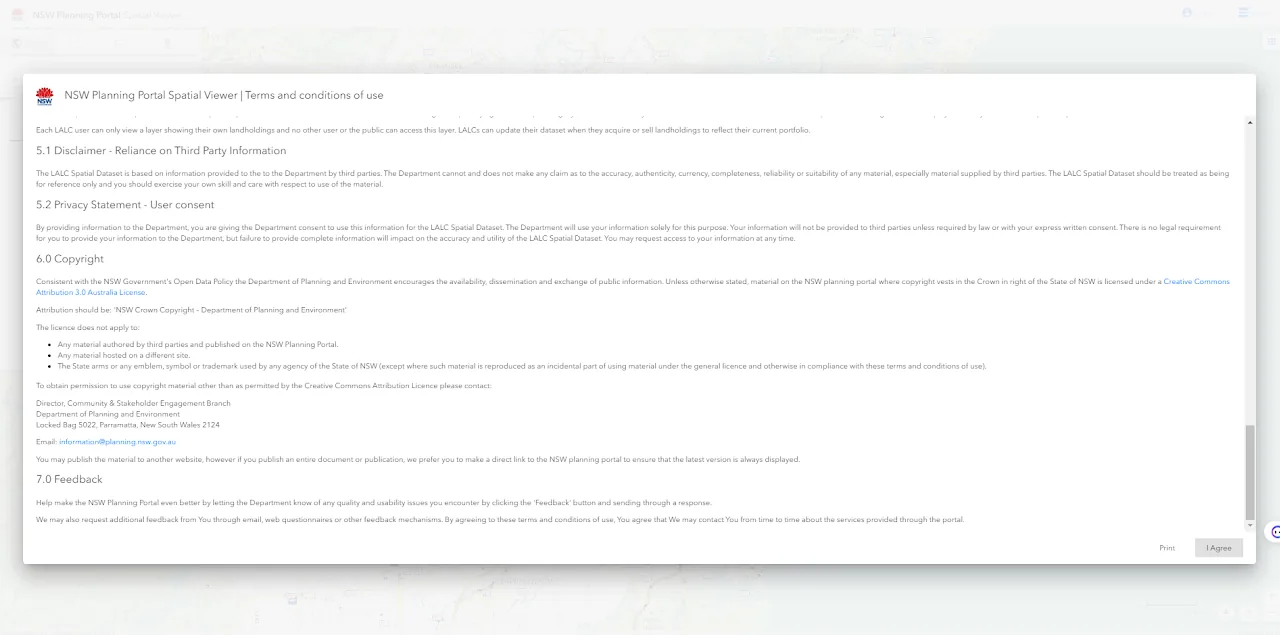
Accept conditions from NSW Planning Portal -
Type in the address and select it as it appears in the drop down below where you are typing:
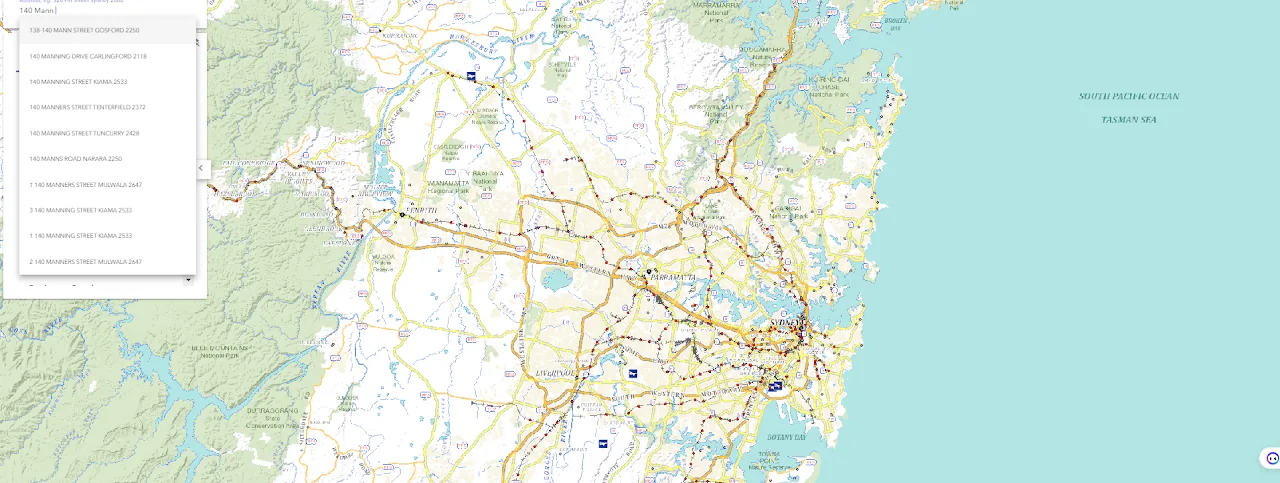
- The view will zoom in on the address after you have clicked on it and on the right a table of search results will come up:
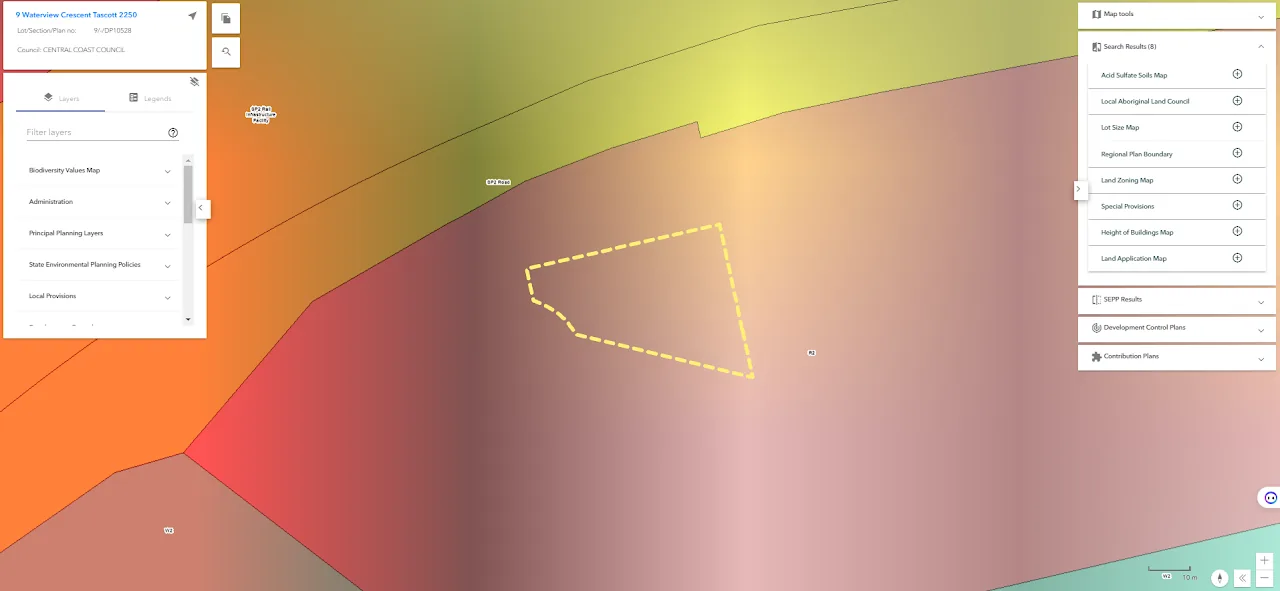
- Expand the "Height of Buildings Map" by clicking the + button next to it. This is the maximum building height for the site
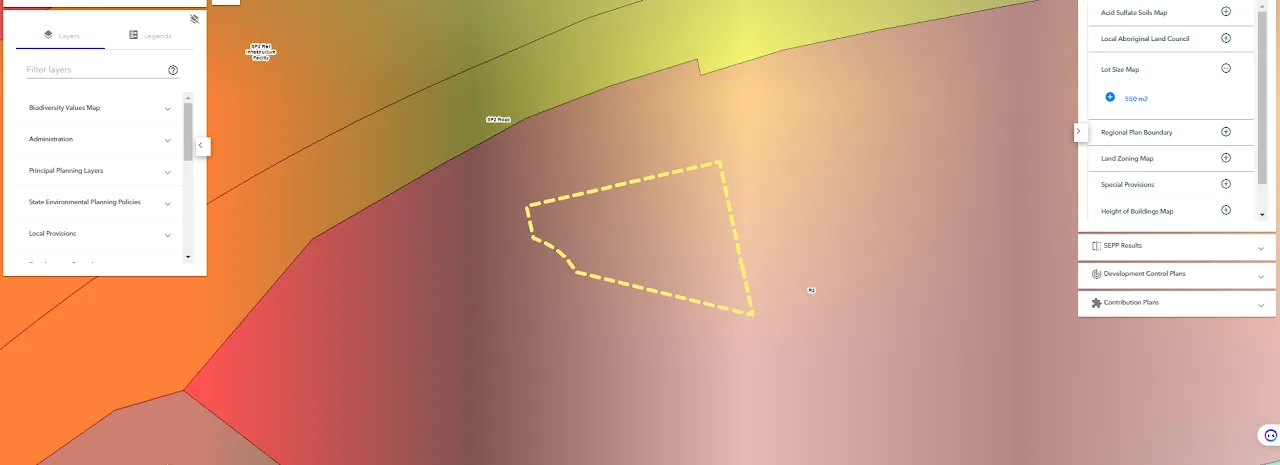
If there is no maximum height shown what does it mean?
It may mean that your site sits under a different SEPP, for example the Gosford City Centre SEPP, and the height control is only found in that document instead. Look further down the results and check the SEPP results and Development Control Plans. You may have to read through those documents to find the maximum height, and some areas do not set a maximum height at all, in which case the built form is controlled by the other levers like floor space ratio, setbacks and overshadowing.
More site checks: