 Shea CullenNSW Registered Architect 9748 · Updated 24 July 2026
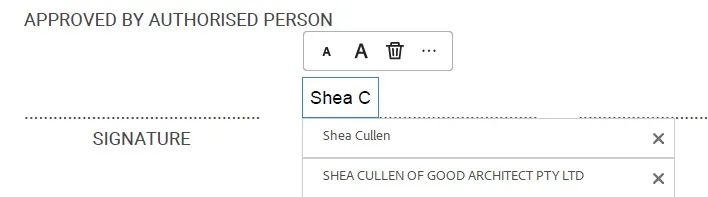
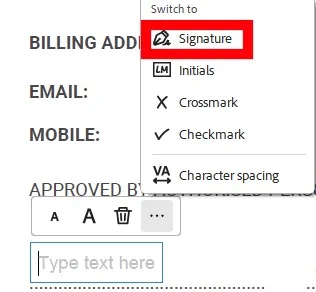
If you have been sent a form by a consultant, or an owner's consent form for council that requires you to sign it, consider filling it out and signing it on your computer instead. It saves wasting paper and its easier too. (Depending on how dependable your device is).
You do not need to get a paid app to do this. Using Adobe PDF reader is fine.
It will often try to trick you into upgrading. You do not need to do this to fill out and sign forms. PDF reader is fine.
-
Select the A with the dotted box around it.
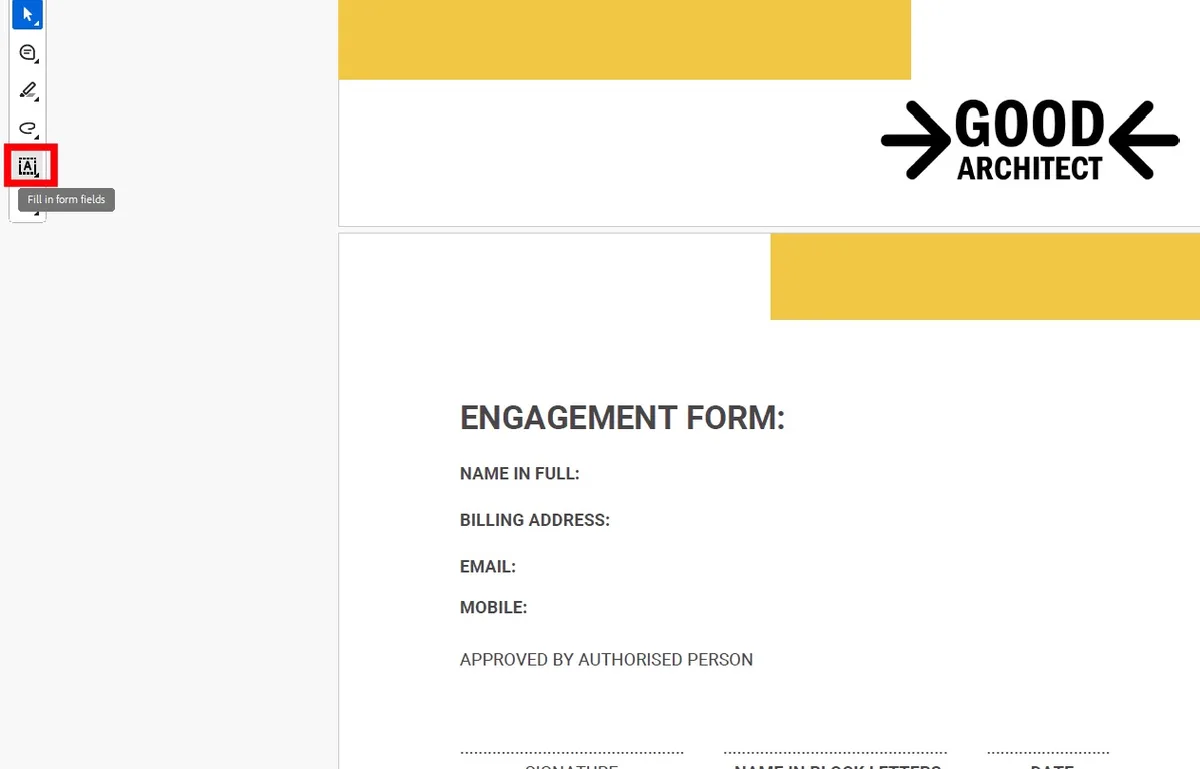
2. Click where you want to write, this will let you fill in sections: